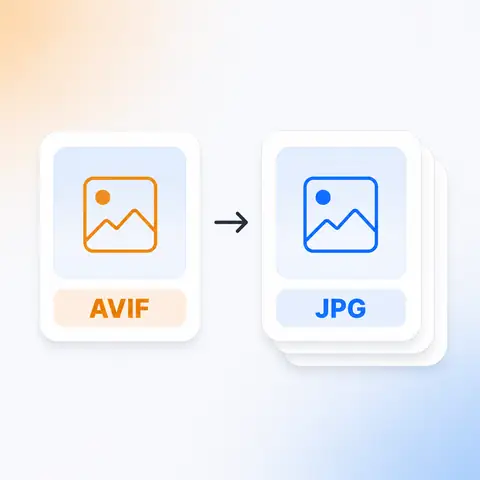
AVIF is the most efficient image format in common use and almost nothing outside a browser can open it yet. This converts your files to JPG in the browser, so they work in the software you already have.
Tap to browse, or paste from your clipboardClick to browse · Drag & drop · Paste (Ctrl/Cmd + V)
How it works
Drag them in, paste from your clipboard, or browse your files. A whole folder at once is fine.
JPG cannot store transparency, so choose what color goes behind it. Quality is matched to your original unless you set it yourself.
Save your JPG files. Nothing was sent anywhere, so there is nothing to delete afterwards.
Why this one
AVIF is built on the AV1 video codec and stores a photograph in remarkably little space. That efficiency is exactly why support outside browsers is still thin. JPG is the opposite trade in every respect: larger, older, and openable by absolutely everything.
Who it's for
FAQ
Still unsure about something? These cover the questions we hear most.
Keep going
 PNG to JPGSmaller files, with a background color behind any transparency.
 JPG to PNGOpens in more places, at the cost of a bigger file.
 PNG to WebPSmaller files, transparency kept.
 JPG to WebPSmaller files, transparency kept.
The same site builds QR codes for links, Wi-Fi, contact cards, and more. Also free, also without an account.
Create a QR code