

Your whole toolbox, one tab away.
MyToolkitt brings QR codes, image tools, and links together, all in your browser. Most need no account, and all are free to start.
About MyToolkittPopular tools
Start with what our users love most.
Every QR code type
Pick the type you need. Each one has its own builder, free to start.
QR codes, short links, and
image tools in one place.
Free to start, with nothing to install. New tools are added as they’re finished.
How it works
Every tool follows the same three steps.
- 1
Find a tool
Search or browse to find the tool you need.
- 2
Add your details
Provide the text, file, or details you have.
- 3
Get your result
Copy or download it and move on.
From the blog
Tips, guides, and news from the MyToolkitt team.
Digital Business Cards: Why the Paper One Gets Thrown Away
You reprinted five hundred cards because a phone number changed. Here is what a digital card does that paper structurally cannot — and the two jobs paper still does better.
Location QR Code: Send People to an Address That Actually Opens
A code on your door or your flyer that opens directions in one tap. The link you choose decides whether it works — here is which one to use, and how to print it so it still scans.
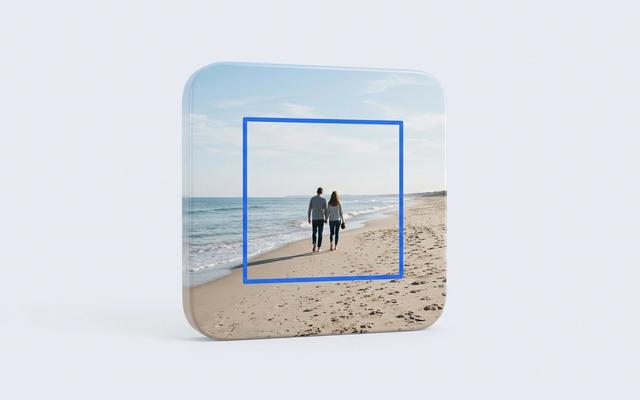
Crop a Photo to an Exact Ratio (4:5, 16:9, Passport)
What an aspect ratio actually is, the handful that matter, and how to hit one exactly — including the passport case, where the requirement is in millimetres and the ratio alone will not save you.
Frequently asked questions
A few quick answers about what MyToolkitt is and how to use it.
Find the tool you need
Free to use, with more tools shipping soon. Search or browse to get started.