Basic QRYour inbox,
Your inbox,
one scan away
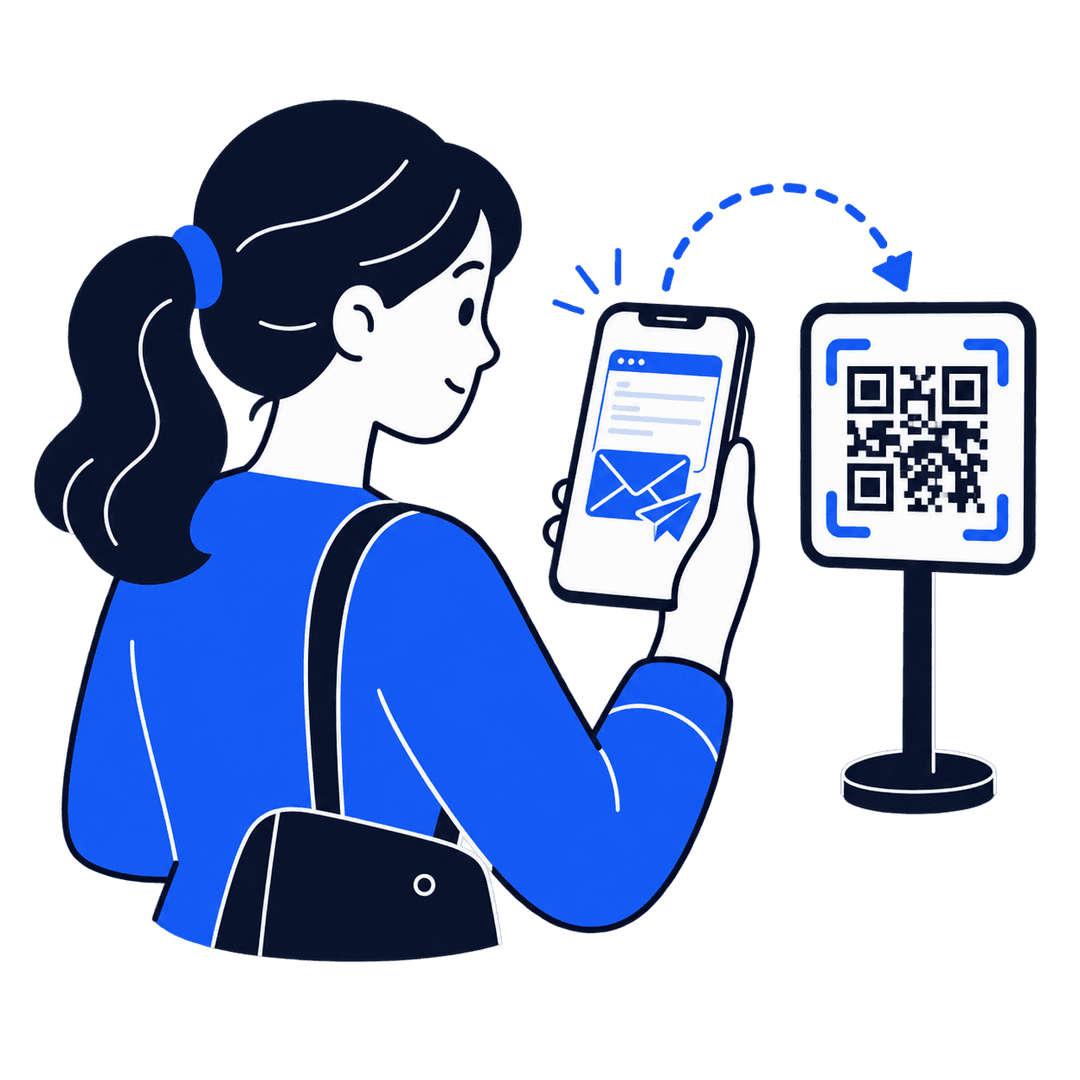
Pre-fill the recipient, subject, and message so people can email you without typing a thing.
No sign-up neededFree to startNo app needed to scan
Why it works
Skip the typing, keep the message
Compare QR typesPre-filled
Opens their mail app, ready to send
Recipient, subject, and message are already filled in. They just hit send.
No typos in your address
People scan instead of typing your email, so nothing gets mistyped.
Subject and body included
Set the subject and starter message once, and every scan opens with it ready.
Styled to match your brand
Pick the QR color, corner style and center logo, then export print-ready PNG or SVG.
Three steps
Live in under two minutes
- 1
Add recipient details
Fill in the email, subject, and message.
- 2
Style the QR
Pick colors and a corner style. The preview updates live.
- 3
Download and print
Export PNG or SVG for business cards, signage, or packaging.
More tools
Other QR codes worth a look
Make it easy to reach you.
Build your Email QR in the browser. Free, no account, ready to print in minutes.