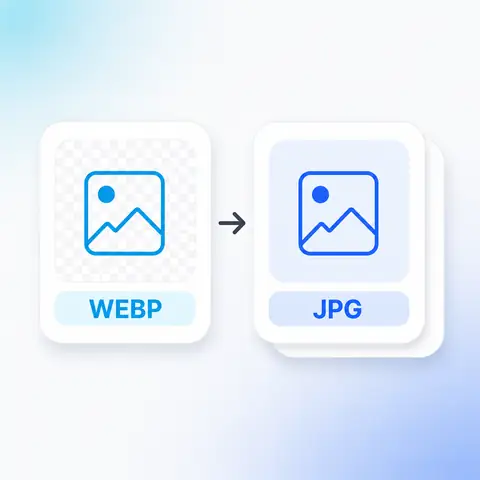
You saved an image from a website and now nothing will open it. WebP is fine in browsers and awkward everywhere else, so this converts it to JPG (the format that has worked in everything for thirty years) without uploading your file to anyone.
Tap to browse, or paste from your clipboardClick to browse · Drag & drop · Paste (Ctrl/Cmd + V)
How it works
Drag them in, paste from your clipboard, or browse your files. A whole folder at once is fine.
JPG cannot store transparency, so choose what color goes behind it. Quality is matched to your original unless you set it yourself.
Save your JPG files. Nothing was sent anywhere, so there is nothing to delete afterwards.
Why this one
JPG opens in every photo viewer, every email client, every printing kiosk, and every piece of software written since the mid-nineties. WebP does not. If something has refused your file, this converts it into the one format nothing refuses.
Who it's for
FAQ
Still unsure about something? These cover the questions we hear most.
Keep going
 WebP to PNGOpens in more places, at the cost of a bigger file.
 PNG to JPGSmaller files, with a background color behind any transparency.
 JPG to PNGOpens in more places, at the cost of a bigger file.
 PNG to WebPSmaller files, transparency kept.
The same site builds QR codes for links, Wi-Fi, contact cards, and more. Also free, also without an account.
Create a QR code