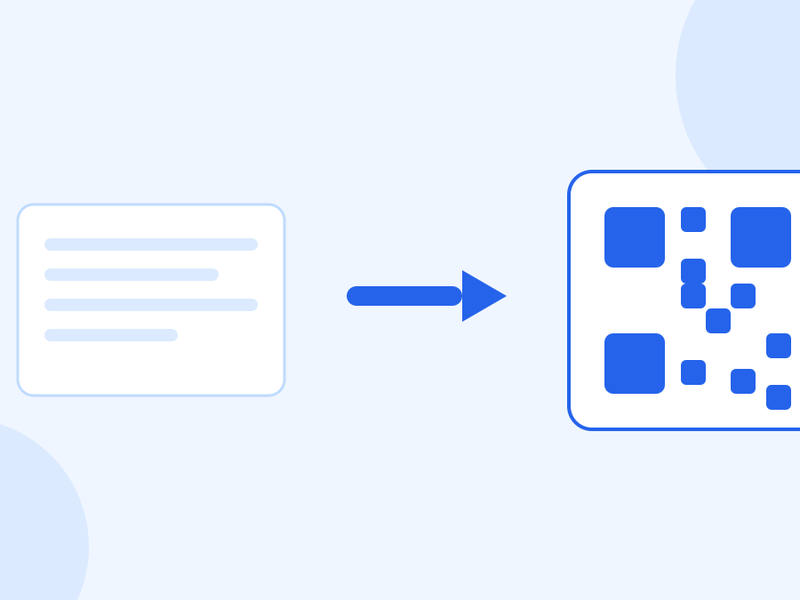
A QR Code for Google Reviews
A code on the counter gets more reviews than asking does. Here is how to build one, where to put it — and the popular trick that will get your listing in trouble.

Michael Page · Published Oct 7, 2026 · 4 min read

Asking a customer to "leave us a review on Google" asks them to open an app, search your name, find the right listing, scroll down and tap. Most people mean to and never do.
A code on the receipt or the counter takes them straight to the review box. That difference is most of the battle.
Get your review link
Google provides one. You do not need to build it by hand.
- Open your Google Business Profile.
- Find the option to ask for reviews — it gives you a short link.
- Copy it, and test it on your own phone first.
Testing matters. Open it signed out and check it lands on the review box for the right branch. Businesses with more than one location routinely print a code pointing at the wrong one, and find out months later.
Turn it into a code
Paste the link into our QR code generator and download the result. Use SVG or a high-resolution PNG for anything going to a printer.
If you are printing it small — on a receipt or a card — size and contrast decide whether it works at all: how big a QR code needs to be is worth two minutes before you order five hundred of them.
Where to put it
The best moment is when the customer is pleased and not yet gone.
- On the receipt or the bill folder. The strongest spot in hospitality — they are already looking at it.
- On the counter, at eye level. Not flat on the surface, where it is upside down to everyone.
- On the table tent, in a restaurant. After the meal, not before.
- In the follow-up email or the delivery note. For businesses the customer never physically visits.
Add one short line telling people what it is. A bare code on a counter gets ignored; "Scan to leave us a review" gets scanned.
The trick you should not use
Search this topic and you will be offered a clever-sounding system: ask the customer to rate you first, send the happy ones to Google, and route the unhappy ones to a private feedback form instead.
Do not do it. That is review gating, and it is against Google's policy for user-contributed content, which prohibits selectively soliciting positive reviews. In the United States it also falls under the FTC's rule on consumer reviews.
The consequences are real: reviews removed, and in bad cases the listing penalised. It is also obvious to customers, who talk about it.
Ask everyone, the same way, every time. A business with a few honest critical reviews among many good ones reads as real. A perfect five-star record reads as bought, which is the opposite of what you were trying to buy.
What actually increases reviews
- Ask at the right moment. Immediately after something went well.
- Ask in person, then point at the code. A member of staff saying it out loud outperforms any sticker on its own.
- Make it one step. The code should land on the review box. Not your website, not a landing page with a button.
- Reply to the reviews you get. Including the critical ones, briefly and without arguing. Prospective customers read the replies as closely as the reviews.
Questions people ask
Can I offer a discount for leaving a review?
Incentivising reviews is against Google's policy, and offering a reward conditional on a positive review is treated more seriously still. Asking is fine; paying for it is not.
Should the code be static or dynamic?
Static is fine here — your Google review link does not change. Use dynamic only if you expect to move the destination, for example if the listing itself might change.
What size should I print it?
Big enough to scan from where the customer stands. On a counter card, around 3 cm across is comfortable. Keep a clear white margin all the way round.
Can I see how many people scanned it?
Only with a dynamic code, which routes through a link you control and can count. A static code is read directly by the phone, so there is nothing in between to record it.
Can I remove a bad review?
Only if it breaks Google's content policies — spam, abuse, or a review of a different business. A fair criticism stays. Reply to it instead; a good reply is worth more than the review costs you.
Get the link, test it, print it where people are pleased, and ask everybody the same way.