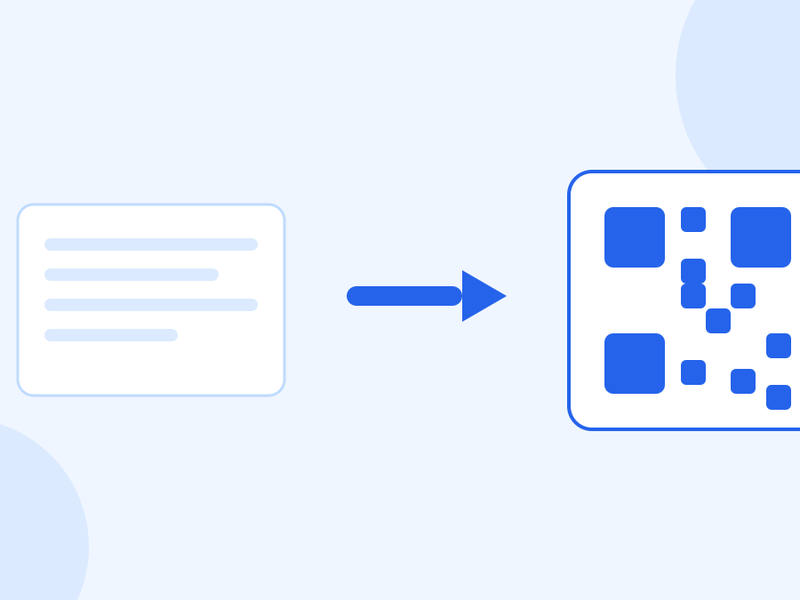
Remove the Background From a Product Photo
Marketplaces want the product on plain white or on nothing at all. Here is how to cut one out, which subjects come out cleanly, and the saving mistake that puts the background straight back.

Michael Page · Published Oct 7, 2026 · 4 min read

Amazon, Etsy, eBay and most shop themes want the same thing: the product, and nothing behind it. A photo taken on your kitchen table gets rejected, or worse, published looking like a photo taken on your kitchen table.
Cutting the background out takes a few seconds. Keeping it cut out is where people slip.
Doing it
- Add the photo.
- Wait a moment while it gets ready — the first one takes slightly longer than the rest.
- Download the result.
Our background remover does the work in your browser. The photo is never uploaded, never stored and never shared, which matters more than it sounds for unreleased products and anything shot in your home.
Save it as PNG, or you undo the work
This is the mistake, and it catches nearly everyone once.
The cut-out has a genuinely transparent background — not white, not a pale grey, actually nothing. JPG cannot store transparency at all. Save as JPG and every transparent pixel is filled in, usually with white or black, and you are back where you started with an extra outline for free.
PNG keeps it. If the marketplace demands JPG, flatten it onto white deliberately rather than letting the format decide for you.
Our converter will not quietly ruin it either: ask it for a JPG from a transparent PNG and it returns a PNG instead, because losing transparency is a decision that needs a colour attached to it.
What cuts cleanly, and what fights
- Clean: solid objects with definite edges. Shoes, bottles, boxes, tools, furniture, most electronics. These come out so well that the result usually needs no touching.
- Harder: hair, fur, feathers, lace, anything fringed. The edge is genuinely ambiguous — a strand is thinner than a pixel — and the cut will look slightly soft or slightly chewed.
- Hardest: glass, water, smoke, anything transparent. The object is partly its background, so removing the background removes part of the object.
- Awkward: shadows. A product with a soft shadow under it either keeps the shadow as a grey smear or loses the sense of sitting on a surface.
Shoot it so the cut is easy
Five seconds of care at the camera saves every minute afterwards.
- Contrast against the background. A black bag on a dark sofa is the hardest possible case. Put it on something pale.
- Even light, no harsh shadow. Daylight from a window beats a ceiling light directly overhead.
- Leave space around the edges. A product cropped tight to the frame gives the edge nowhere to go.
- Keep the background simple. A plain wall is better than a kitchen, and much better than a patterned rug.
White background or no background?
They are not the same thing, and listings want different ones.
- Transparent is the more useful file. It drops onto any colour, any banner, any theme, and stays correct when the shop redesigns.
- Pure white is what most marketplaces actually require, and often specify exactly.
Keep the transparent version as your master and flatten copies onto white as needed. Going the other way is not possible — once it is on white, the white is part of the picture.
Questions people ask
Why does my downloaded image still have a white background?
It was saved as JPG. That format cannot hold transparency, so the empty area gets filled in. Save as PNG.
Can I remove the background from several photos at once?
Yes, and it is worth doing in a batch — the first image takes a moment to get started and the rest follow quickly.
The edge looks rough around hair. Can that be fixed?
Not entirely. Fine strands are genuinely ambiguous at the pixel level. Shooting against a contrasting, evenly lit background gives the best result available.
Is my photo uploaded anywhere?
No. The work happens in your browser. The image is never uploaded, never stored and never shared.
Does it work on people, not just products?
Yes, with the same caveat about hair. Solid clothing cuts cleanly; loose or curly hair is where the edge softens.
Shoot against contrast, cut it out, save as PNG. The last one is the step that gets missed.