
Make an animated GIF smaller
Shrink a GIF that is too big to send or upload. Every frame stays, it plays at the same speed, and it is checked against the original so it looks the same.
No sign-up · Checked frame by frame · Never uploaded, never stored
Add your imagesDrop your images here
Tap to browse, or paste from your clipboardClick to browse · Drag & drop · Paste (Ctrl/Cmd + V)
- JPG, PNG, WebP, AVIF, BMP, GIF
Compression settings
What makes a GIF smaller
A GIF stores every frame. Where a pixel has not changed since the frame before, this compressor leaves it out and the old one stays on screen, so a GIF with a still background and one small thing moving loses almost all its weight.
The more of the picture moves, the less can be left out. Then the saving also comes from using fewer colors, only as far as the frames still look the same.

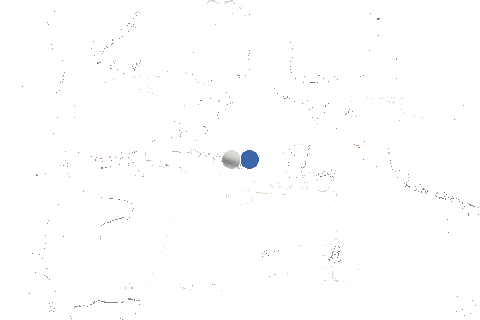
1.7 MB → 116 KB, 93% smallerFrame 10 stores 0.9% of its pixels.
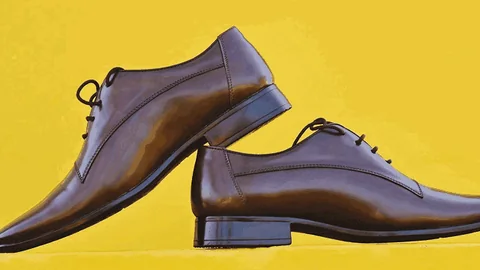
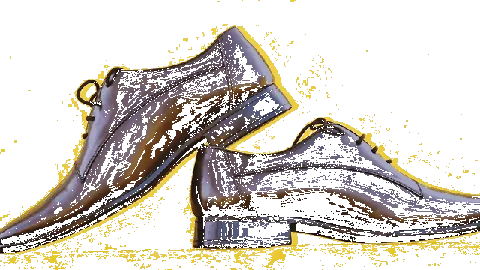
2.3 MB → 1 MB, 55% smallerFrame 10 stores 31% of its pixels.

Checked against the original
Each try is measured against the original frames, and the smallest one that still looks the same is the file you get, the same test the compressor puts a photo through. The timing, the loop, and a transparent background are kept.
If a GIF is already as small as it can get, you are told so and it is left as it was.
Still too big for an upload limit? Make it smaller on screen too with the GIF resizer.
Add your GIF. Several at once, if you like.
Leave Quality on Auto. Or choose Manual to trade color for size yourself.
Save the GIF. It plays as before, at a fraction of the size.
Frequently asked questions
Compress your GIF
Add a GIF, leave Quality on Auto, and save it with every frame kept.