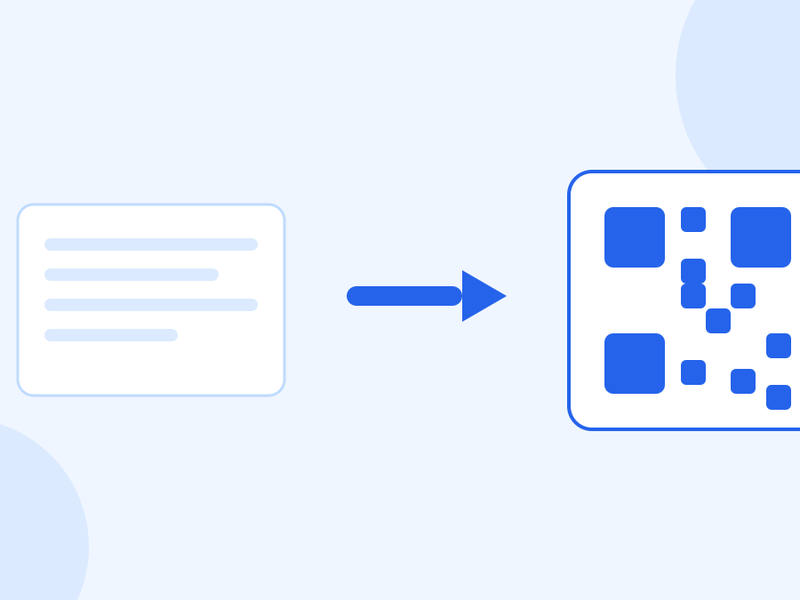
Your PDF Is Too Big to Email. Here's How to Shrink It
The attachment bounces, and you have ten minutes before the deadline. What actually makes a PDF big, how much you can expect to get back, and why the text stays perfectly sharp.

Michael Page · Published Oct 7, 2026 · 4 min read

The email bounces: attachment too large. The file is 28 MB, the limit is 25, and the deadline was an hour ago.
Most of the time this is fixable in under a minute, because the thing making your PDF heavy is almost never the thing you think.
It is the pictures, not the pages
A forty-page document of pure text is often under a megabyte. Text in a PDF is stored as instructions — which characters, which font, where — and instructions are tiny.
Photographs and scans are stored as images, and images are enormous by comparison. One scanned page can outweigh an entire text document. If your file is heavy, count the scanned pages; that is your answer.
Which is why the fix works on the images and leaves everything else alone.
What compression actually does here
Our PDF compressor shrinks the JPEGs inside the file and leaves the rest of the document byte-for-byte unchanged. No page is ever rasterized, so the text stays exactly as sharp as it was — and stays selectable and searchable, which is the thing people are most afraid of losing.
What that means in practice, measured rather than estimated:
- Image-heavy files: 85–96% smaller. Brochures, portfolios, photo reports. A 28 MB file lands comfortably under the limit.
- Scanned documents: 52–61% smaller. Scans are already JPEG, so there is less slack, but halving is usually enough.
- Pure text: 0%. Exactly none. There are no images to work on, so nothing changes. If your text-only PDF is somehow too big, compression is not your fix.
That last number is the useful one. A tool that claims to shrink a text-only PDF is either rasterizing your pages — turning words into pictures of words — or it is not telling you the truth.
When it refuses a page, and why
Some print-ready PDFs contain CMYK images: four colour channels, for ink rather than screens. Those get skipped deliberately rather than compressed.
The reason is that re-encoding a CMYK image means guessing at a colour conversion, and the result looks different from the original in a PDF viewer. A slightly larger file is better than a file whose colours have quietly shifted — particularly when the reason it is print-ready is that someone is going to print it.
So if a file compresses less than you expected, that is usually why, and it is the tool protecting the document.
The limits you are hitting
Most mail services land somewhere between 10 MB and 25 MB per message, and the limit that matters is the recipient's, not yours. A file that leaves your outbox fine can still bounce at the other end, and corporate mail servers are frequently stricter than consumer ones.
Aim for 10 MB if you do not know where it is going. It clears almost everything.
When compression is the wrong answer
If the recipient asked for one section, do not send a compressed version of all forty pages — split out the pages they wanted. Three pages beat forty compressed pages on every measure, including how quickly you get a reply.
And if you are the one producing the scans, the real fix is upstream. Scanning at 600 DPI in colour when 200 DPI greyscale would do produces a file many times larger before anyone touches it. Most scanners default too high for documents.
A quick order of operations
- Is it one section they need? Split instead.
- Is it scans? Compress — expect roughly half.
- Is it a brochure or portfolio? Compress — expect most of it gone.
- Is it pure text and still enormous? Something else is embedded; check for attached files or embedded fonts.
- Still too big? Share a link rather than an attachment.
Questions people ask
Will the text go blurry?
No. No page is turned into an image, so text is not touched at all — it stays sharp, selectable and searchable. Only the photographs inside the file are re-encoded.
Why did my file barely shrink?
Either it is mostly text, in which case there is nothing to compress, or it contains CMYK print images, which are deliberately left alone so the colours do not shift.
Is the original changed?
No. Compressing writes a new file and leaves yours as it was.
Is my document uploaded?
No. The work happens in your browser. The file is never uploaded, never stored and never shared.
What size should I aim for?
Under 10 MB clears nearly every mail system, including strict corporate ones. Under 25 MB clears most consumer ones.
Count the scans, compress, check it opens. If it was already pure text, the problem is somewhere else entirely.