
Crop a GIF and keep every frame
Cut an animated GIF down to the part you want. Every frame gets the same crop, and it saves as a GIF that still plays at its own speed.
No sign-up · Keeps timing and loop · Never uploaded, never stored
Add your imagesDrop your images here
Tap to browse, or paste from your clipboardClick to browse · Drag & drop · Paste (Ctrl/Cmd + V)
- JPG, PNG, WebP, AVIF, BMP, GIF
Every frame, cut the same way
Most image tools read only the first frame of a GIF, so cropping one there gives you a still picture. This one reads every frame, cuts each with the same box, and writes them back as a GIF with the original timing and loop.
Cropping takes pixels out of every frame, so the GIF usually comes out smaller as well. The finished panel shows the new size before you save it.
- Frame 1
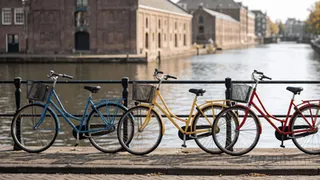
- Frame 3
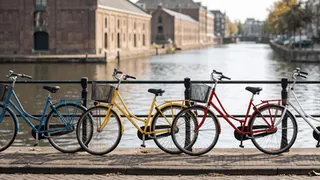
- Frame 5
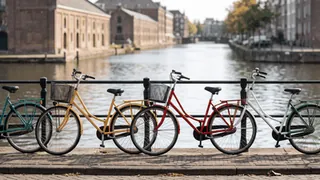
- Frame 8
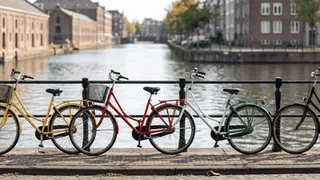
- Frame 10
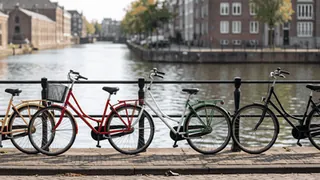
- Frame 12
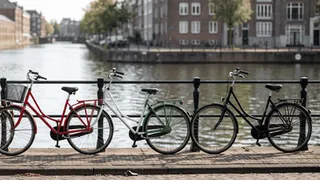

All 12 frames, cropped225 × 225 GIF, still 120 ms a frame
Add your GIF. The editor shows its first frame.
Set the crop. Drag the box, or pick a shape like Square or Circle.
Save the GIF. Every frame is cut the same way, and it still plays.
Color and transparency in a GIF
A GIF frame can hold 256 colors. Each cropped frame gets its own set, chosen from the part you kept rather than from the whole picture.
GIF transparency is all or nothing for each pixel. A transparent background stays transparent, but a soft edge cannot stay soft: crop a GIF into a circle and the edge is crisp rather than smoothed.
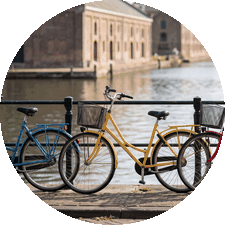
Want a round picture with a smooth edge? Crop a still photo with the circle crop.


Frequently asked questions
Crop your GIF
Add a GIF, set the crop on its first frame, and save it with every frame kept.