JPG to PDF Converter

Add your images, put them in the order you want, and download them as a single PDF. It works with JPG, PNG, WebP, HEIC, and more, runs entirely in your browser, and is free with no sign-up.
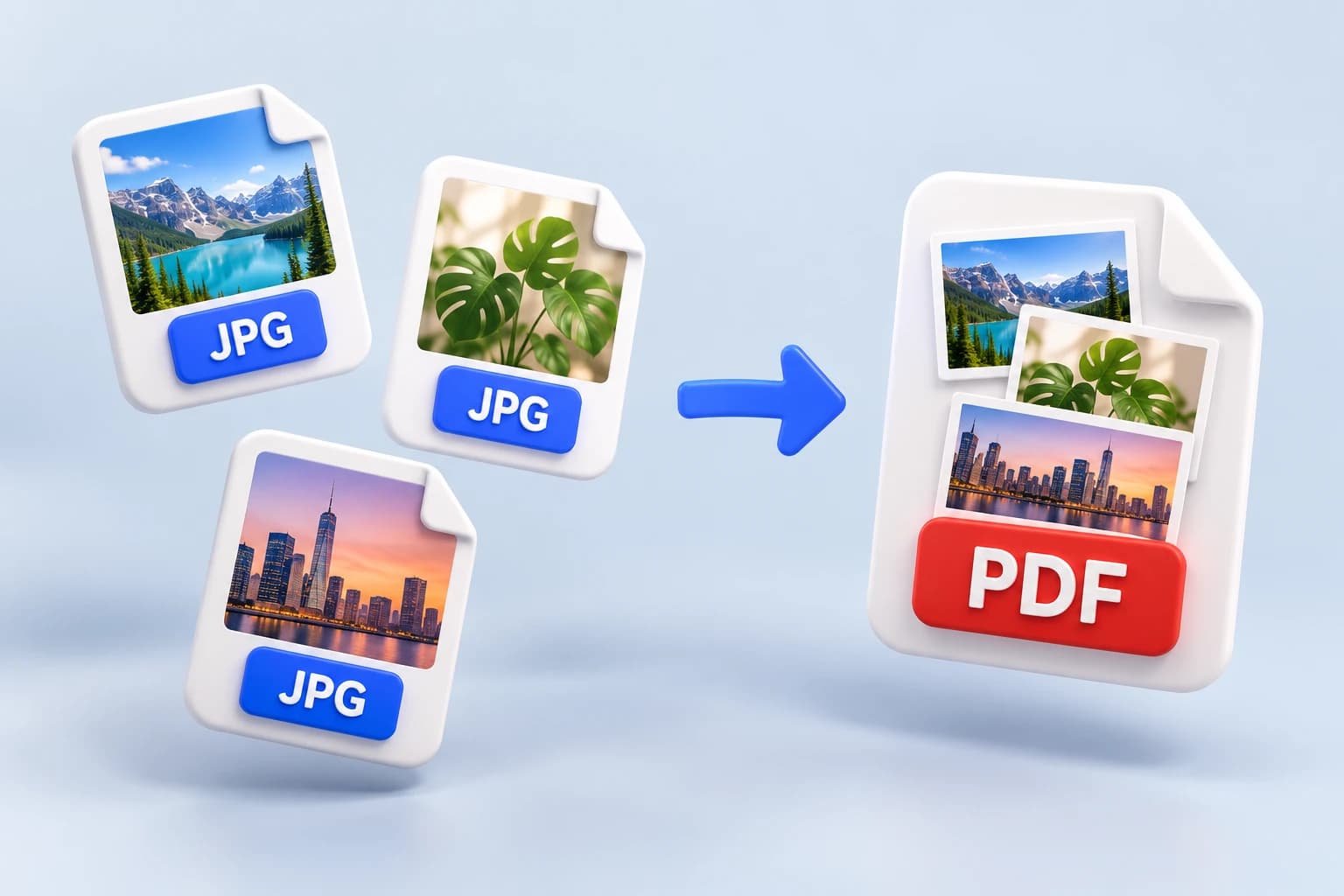
  1. Add
  2. Arrange
  3. Download

Add your imagesDrop your images here

Tap to browse, or paste from your clipboardClick to browse · Drag & drop · Paste (Ctrl/Cmd + V)

  • JPG, PNG, WebP, HEIC
  • Up to 50 MB
  • Never uploaded

PDF settings

Page size
each page is exactly the size of its image

How it works

Three steps to one PDF

  1. 1

    Add your images

    Drag them in, paste from your clipboard, or browse your files. JPG, PNG, WebP, HEIC, and more, up to 50 MB each.

  2. 2

    Put them in order

    The list is the page order. Move an image up or down, or remove one, before you convert.

  3. 3

    Download your PDF

    One page per image, in your order. The PDF is built in your browser, so nothing is sent anywhere.

Why this one

Why use this JPG to PDF converter

Your JPG and PNG files go in untouched

A JPG or PNG is placed into the PDF exactly as it is, not re-saved, so the quality you added is the quality you get. Other formats are converted to a PDF-friendly type first, in your browser.

  • 02

    The page order is yours

    Pages come out in the order of your list, not the order your files happened to load. Move any image up or down before you convert, and the first image becomes page 1.

  • 03

    Two sensible page sizes

    Keep each page the exact size of its image, or put every image on an A4 page for printing. The A4 page turns sideways by itself when an image is wider than it is tall.

  • 04

    Mixed formats in one document

    JPG, PNG, WebP, HEIC, AVIF, BMP, and GIF can all go into the same PDF. Anything that is not already a JPG or PNG is converted on the way in, and you never have to think about it.

  • 05

    One bad file won't ruin the batch

    An image that can't be read is left out and named, and the rest still become a PDF. You are told exactly what was skipped, not handed a vague failure.

  • 06

    Nothing to install, nothing uploaded

    The whole conversion runs in your browser. Your photos are never uploaded, never stored, and there is no account to create.

Who it's for

When you'd use it

  • Someone sending paperwork

    Turning photos of a contract, an ID, or a stack of receipts into one PDF a portal or an email will accept, instead of attaching twelve separate images.

  • A student or teacher

    Collecting photographed pages of notes or homework into a single document that reads in order and prints cleanly on A4.

  • A designer or freelancer

    Packing a set of exported images into one file a client can open anywhere, with each page exactly the size of its artwork.

FAQ

Frequently asked questions

Still unsure about something? These cover the questions we hear most.

Keep going

Related tools

Browse all 15 tools

Need to go the other way?

PDF to JPG turns each page of a PDF back into an image. Same site, also free, also in your browser.

Convert PDF to JPG
